Announcing Orbitali’s Model Context Protocol (MCP) Server: Build Voice Agents Directly from Your IDE
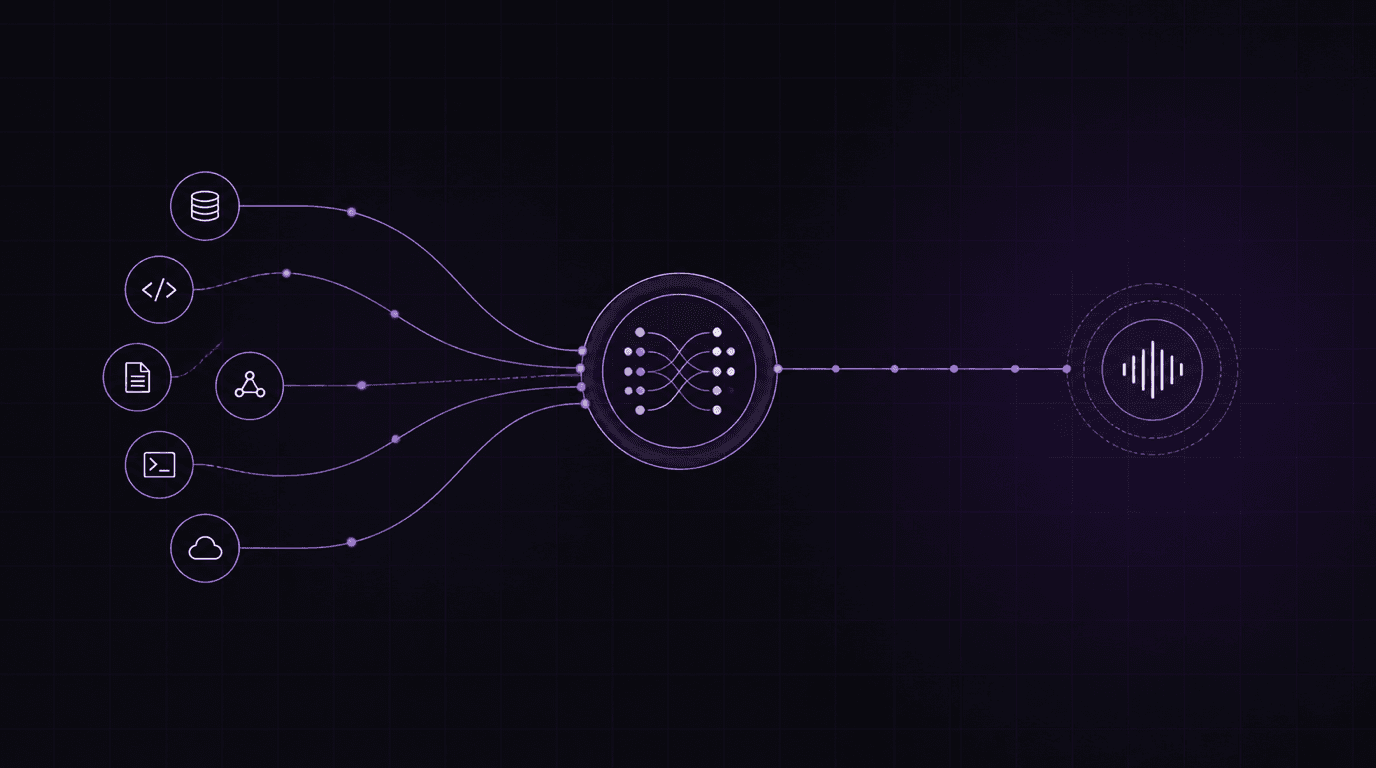
Stop writing boilerplate REST calls. Now your AI coding agents can dynamically create, patch, and manage Orbitali voice agents during your development workflow.
Over the past few months, the way developers build software has fundamentally shifted. We are no longer writing code in isolation; we are pair programming with agentic AI assistants like Claude Code, Cursor, and Windsurf. These assistants don't just suggest autocomplete lines—they read codebases, search documentation, execute shell commands, and build entire features from scratch.
However, a major point of friction remained: connecting these coding assistants to external services. If you wanted your AI coding partner to configure or test an external service like Orbitali, it had to ask you to click around a web dashboard or copy-paste API curl commands from documentation.
Today, we are removing that barrier. We are excited to announce the release of Orbitali's Model Context Protocol (MCP) Server, an open-source tool that allows your AI coding assistants to interact directly with Orbitali's real-time voice infrastructure.
What is MCP?
Developed by Anthropic, the Model Context Protocol (MCP) is an open standard that enables AI models to securely connect to external data sources and tools. Think of it like a USB-C port for AI: once a service implements an MCP server, any compatible AI client (like Claude Code or Cursor) can immediately understand and interact with its tools, APIs, and resources.
By launching our own MCP server, we are giving your local coding agents a set of "hands" to build, modify, and test Orbitali voice receptionists directly inside your development workspace.
How it Works: The Architecture
The Orbitali MCP server runs locally on your machine. It is launched by your coding agent over standard input/output (stdio) and securely communicates with Orbitali's public API gateway (/public/v1) using your API key.
┌────────────────────────┐           stdio (Local)           ┌────────────────────────┐
│   YOUR CODING AGENT    │ ────────────────────────────────> │  ORBITALI MCP SERVER   │
│  - Claude / Cursor     │ <──────────────────────────────── │  - Local Node runtime  │
└────────────────────────┘                                   └───────────┬────────────┘
                                                                         │
                                                             HTTPS       │  API Request
                                                             (Secure)    │  w/ API Key
                                                                         ▼
                                                             ┌─────────────────────────┐
                                                             │  ORBITALI PUBLIC API    │
                                                             │ https://api.orbitali.ai │
                                                             └─────────────────────────┘
Instead of requiring your agent to write raw REST calls, parse payload schemas, and handle authentication manually, the MCP server exposes workflow-safe tools. The agent simply calls high-level functions, and the MCP server translates them into correct API interactions.
Key Capabilities and Tools
The MCP server exposes a rich set of tools for managing your voice infrastructure:
1. Voice Agent Lifecycle Management
list_agents: Fetches all voice agents in your account, including their prompts, voice models, and webhook configurations.get_or_create_agent: Retrieves an existing agent by name or creates a new one on the fly.patch_agent: Programmatically updates agent parameters like the system prompt, language, voice model (e.g., speech-to-speech settings), temperature, and response latency.
2. Binding Custom Tools to Voice Agents
list_agent_tools: Lists the functions the voice agent can call during a phone call.ensure_agent_tools: Allows the coding agent to bind new tools (like booking webhooks or database lookups) to the voice receptionist, ensuring the voice agent has the correct API schema to fetch real-world data during conversation.
3. Knowledge Base RAG Management
list_knowledge_documents: Queries documents attached to the agent.upload_knowledge_document: Uploads.txt,.md, or.pdffiles to the agent's knowledge base, giving it instant context (like product catalogs or company policies) to reference during calls.delete_knowledge_document: Removes outdated documents from the agent's memory.
4. Direct Real-Time Session Testing
create_realtime_session: Mints ephemeral WebRTC credentials so you can start a low-latency voice session right away and test the agent's speech-to-speech model locally.
Getting Started in 60 Seconds
The server is distributed via npm and runs using Node or Bun. To set it up with your favorite coding assistant, you will need an Orbitali API key (available in the Orbitali dashboard under Settings → API Keys).
With Claude Code
Run the following command to automatically install and register the server:
claude mcp add orbitali --env ORBITALI_API_KEY=sk_your_key -- bunx @orbitali/mcpWith Cursor or Windsurf
Add the configuration directly to your project's .cursor/mcp.json or .windsurf/mcp.json:
{
  "mcpServers": {
    "orbitali": {
      "command": "bunx",
      "args": ["@orbitali/mcp"],
      "env": {
        "ORBITALI_API_KEY": "sk_your_key",
        "ORBITALI_API_BASE_URL": "https://api.orbitali.ai"
      }
    }
  }
}
A Real-World Walkthrough
Let's look at how this changes your day-to-day workflow. Imagine you are building a dentist booking system. You have written a local Express server to handle booking reservations.
With the Orbitali MCP server enabled, you can write a single prompt to your coding assistant:
"Create a voice receptionist named 'Dental Reception Bot' that helps patients book appointments. Bind it to my local POST booking endpoint at
https://b832-72-10.ngrok-free.app/api/bookings, and uploadclinic_hours.mdfor context. Finally, give me a command to test it."
Your coding agent will autonomously execute the following:
- Parse the structure of your local API and read
clinic_hours.md. - Run
get_or_create_agentto registerDental Reception Botwith the voice settings. - Run
upload_knowledge_documentto attachclinic_hours.mdto the agent's memory. - Run
ensure_agent_toolsto register the booking tool with the correct JSON schema, pointing it to your ngrok tunnel. - Run
create_realtime_sessionto fetch a WebRTC token and generate a testing link.
Within seconds, the agent returns:
"I've created the voice agent, uploaded the hours, and bound the booking tool. You can test your agent by running this WebRTC client script or navigating to the Orbitali testing console."
You didn't have to write a single API request, format a JSON payload, or leave your terminal.
Open Source and Extensible
We believe that developer tooling should be open and transparent. The Orbitali MCP server is fully open-source and hosted on GitHub. If you want to check out the source code, report an issue, or add custom tools, visit the repository:
We can't wait to see the voice applications you build with Orbitali and MCP. Get started today, and let your coding assistant do the heavy lifting!